
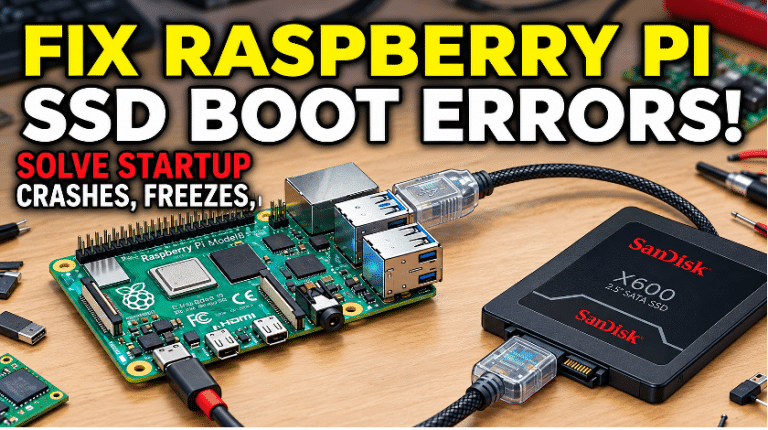
How to fix Raspberry Pi ssd boot error
You will just need a microSD card with Raspberry Pi OS installed to update the firmware.
Boot your Pi using the standard microSD card.
Open a terminal and run the following commands to update your system:
You will just need a microSD card with Raspberry Pi OS installed to update the firmware.
Boot your Pi using the standard microSD card.
Open a terminal and run the following commands to update your system:

We respect your privacy. Linuxblaze uses minimal cookies to ensure core site functionality and anonymous statistics to improve our site. You have full control over what runs in your browser.
Manage your cookie preferences below:
Essential cookies enable basic functions and are necessary for the proper function of the website.
These cookies are needed for adding comments on this website.
Statistics cookies collect information anonymously. This information helps us understand how visitors use our website.
Google Analytics is a powerful tool that tracks and analyzes website traffic for informed marketing decisions.
Service URL: policies.google.com (opens in a new window)
You can find more information in our Cookie Policy and Privacy Policy.