Master Your Raspberry Pi
From flashing your first SD card to deploying headless servers and hardware projects.
EXPLORE THE PI ECOSYSTEM
Containerize your world. Follow the ultimate step-by-step guide to installing, configuring, and managing Docker on your Raspberry Pi.
Lock down your board. Navigate the new Trixie sudo changes and set up scheduled ClamAV Antivirus scans for your home server.
Master your microcomputer from day one. Learn A-to-Z configuration, essential commands, and how to get your Pi online safely.
LATEST RASPBERRY PI GUIDES
-
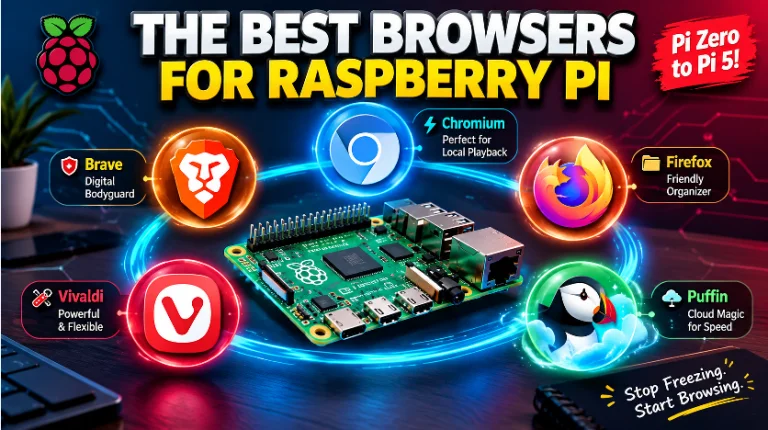
Best Browser for Raspberry Pi 2026
For these models, your best choices are Brave or Firefox or vivaldi. They offer the absolute best privacy, the most features, and the smoothest experience. Because the computer is so strong, it can handle the extra weight of these premium programs without slowing down.
-
How to fix Raspberry Pi ssd boot error
You will just need a microSD card with Raspberry Pi OS installed to update the firmware.
Boot your Pi using the standard microSD card.
Open a terminal and run the following commands to update your system:
-
🛡️ ClamAV Antivirus: Complete Setup and Configuration Guide for Raspberry Pi
ClamAV setup guide for Raspberry Pi. Secure your Pi (NAS/file server) with scheduled, resource-friendly, open-source antivirus protection using Cron jobs
-
🚀 Ultimate Raspberry Pi Configuration Guide (Setup, Commands, Security)
Master your Raspberry Pi with this complete guide. Learn A-to-Z setup, essential commands, optimization techniques, and robust security hardening, including SSH, Firewall, and Antivirus configuration
-
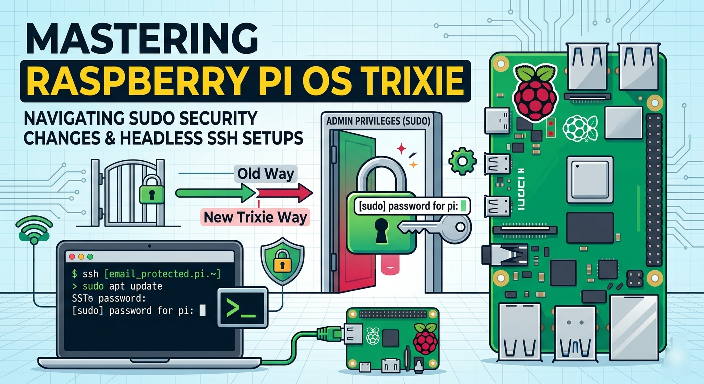
Mastering Raspberry Pi OS 6.12 Trixie: Navigating Sudo Security Changes and Headless SSH Setups
The Raspberry Pi OS 6.2 Trixie update (April 2026) disables passwordless sudo for new installs, enhancing security. This article details the change, explains its necessity, and provides methods to restore the old behavior or securely adapt headless SSH setups and automated scripts